A simpler pathway to your BASIX energy target
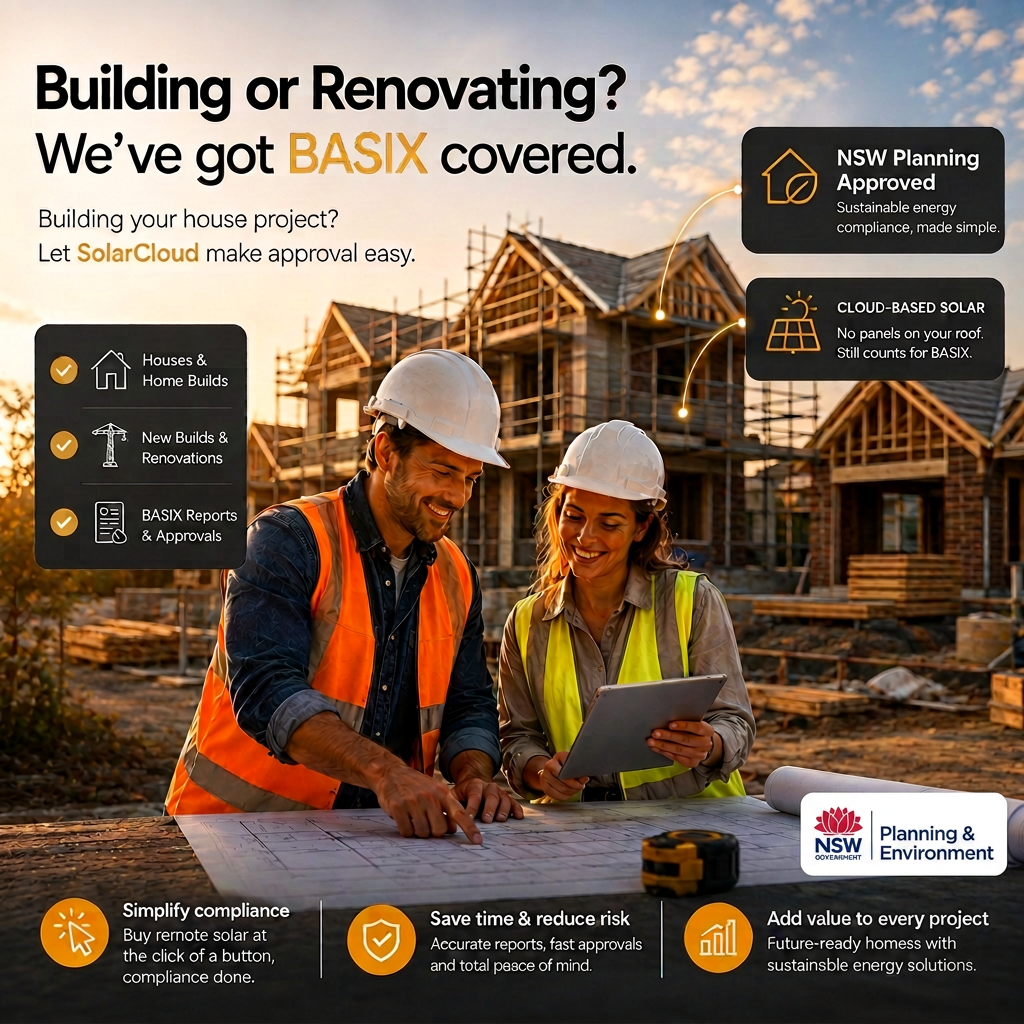
SolarCloud provides off-site solar capacity and supporting documentation for a BASIX alternative-assessment application—without rooftop installation.
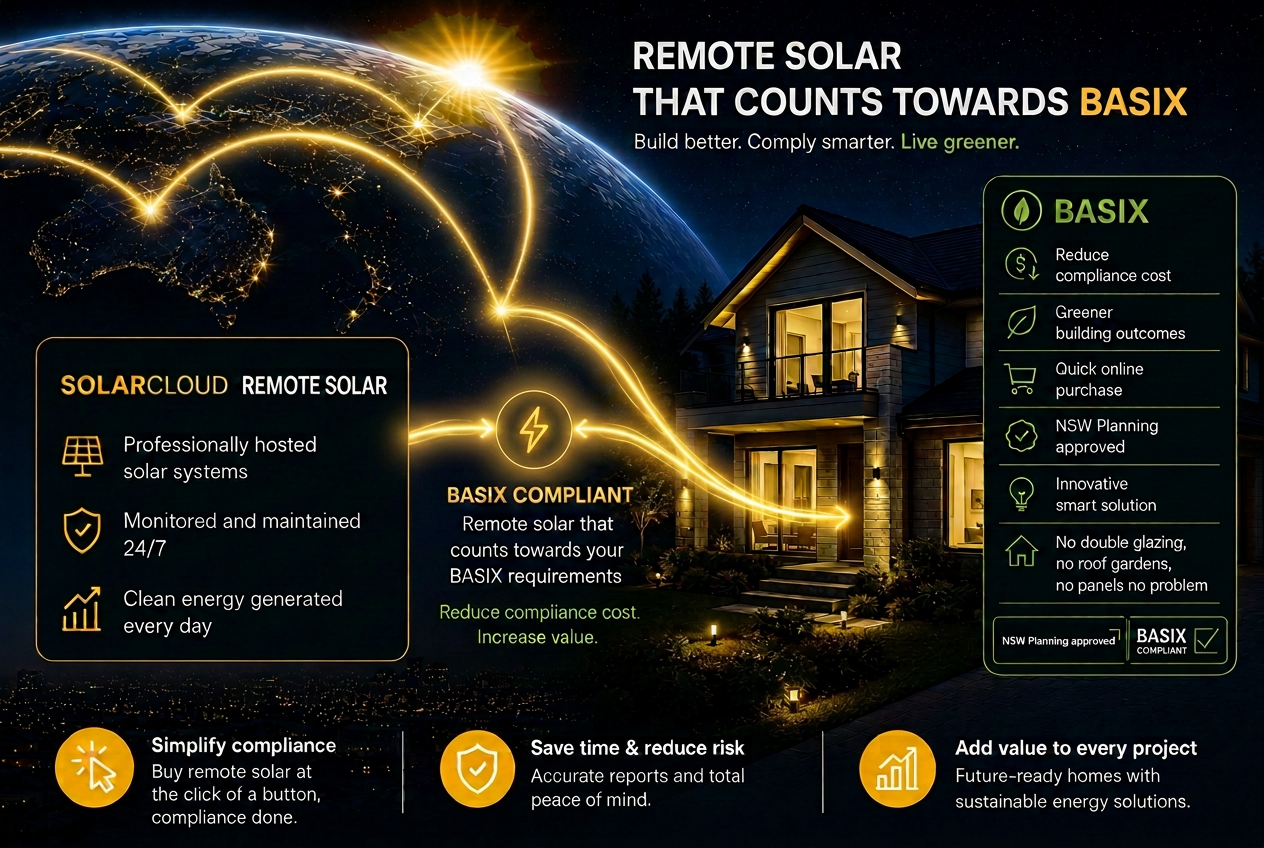
SolarCloud provides a simpler, lower-cost way to meet your BASIX Energy score. Where apartments and developments can’t install enough rooftop solar to achieve the required BASIX points, SolarCloud’s globally located remote solar can be allocated to the development through the NSW Planning alternative process. This can avoid expensive upgrades such as additional double glazing, insulation and rooftop gardens. Based on quotes we’ve received, SolarCloud can deliver the required BASIX Energy points for less than 50% of the cost of these traditional alternatives.
One line item, every job
Costed per dwelling. Same number every quote, every project.
Compliance paperwork at the touch of a button
Generate the BASIX-aligned documentation pack for each dwelling on demand — no chasing certifiers.
SolarCloud can eradicate your customers' energy bill without a single panel on their roof
A genuine differentiator for your brochures — buyers move in with their household energy covered.
Volume arrangements
Talk to us about volume-builder pricing across a pipeline of developments.
Certifier-friendly paperwork
Standardised documentation packs ready to submit.
Marketing-ready for buyers
Each home buyer becomes an owner of solar — a tangible feature you can put on the brochure.
Building better for tomorrow
The Building Sustainability Index (BASIX) isn't just about ticking boxes, it's about creating sustainable homes and communities.
SolarCloud can support a BASIX alternative-assessment application. Acceptance is determined through the NSW Planning alternative-assessment process.
Traditional On-Site Solar
- High upfront cost for hardware, design, and site-specific engineering.
- Requires specialised solar installers on-site, adding to trade coordination.
- Installation must be scheduled within the critical path (often post-roofing).
- System size is limited by roof space, orientation, and shading.
- Manual calculation and verification of physical install performance.
- The owner/builder is responsible for cleaning, repairs, and inverter failures.
- Panels degrade and can be damaged by hail, debris, or site accidents.
- High risk of delays due to weather or supply chain for specific components.
- Minimal; standard consumer-grade warranties and local council rules.
- Requires visible panels, which can clash with architectural intent.
The SolarCloud Solution
- Halve the cost on average by leveraging existing utility-scale infrastructure. Project comparison available.
- Zero on-site labour required; the energy solution is hosted off-site.
- Instant purchase; no impact on the building timeline or site access.
- Scalable and flexible; not restricted by the building's physical footprint.
- Automated verification through a pre-governed, ASIC-regulated structure.
- Maintenance-free for the builder; the infrastructure is managed externally.
- Guaranteed performance backed by up to a 25-year warranty.
- No operational risk; compliance is achieved through a functioning utility.
- Institutional-grade; ASIC-regulated and audited for long-term security.
- Invisible infrastructure; allows for clean rooflines and modern design.
Offer your customer no energy bill for up to 25* years without any panels on their roof. No installation, no hardware, no maintenance, no battery required.
*Approximately 102 SolarCloud cloud-based panels would offset the average Australian energy bill (Canstar Blue).
Try our free estimator tool
Turn a BASIX Energy shortfall into the SolarCloud system you need.
Enter the project scores and approved BASIX points-per-kW rate. We'll calculate the required SolarCloud capacity and builder price instantly.
Enter the BASIX details to calculate the required capacity.
Your project result
Live CalculationCompliance
Lock your SolarCloud to your BASIX property
Once your certifier has determined how much solar capacity your project requires, allocating it to your property is simple.
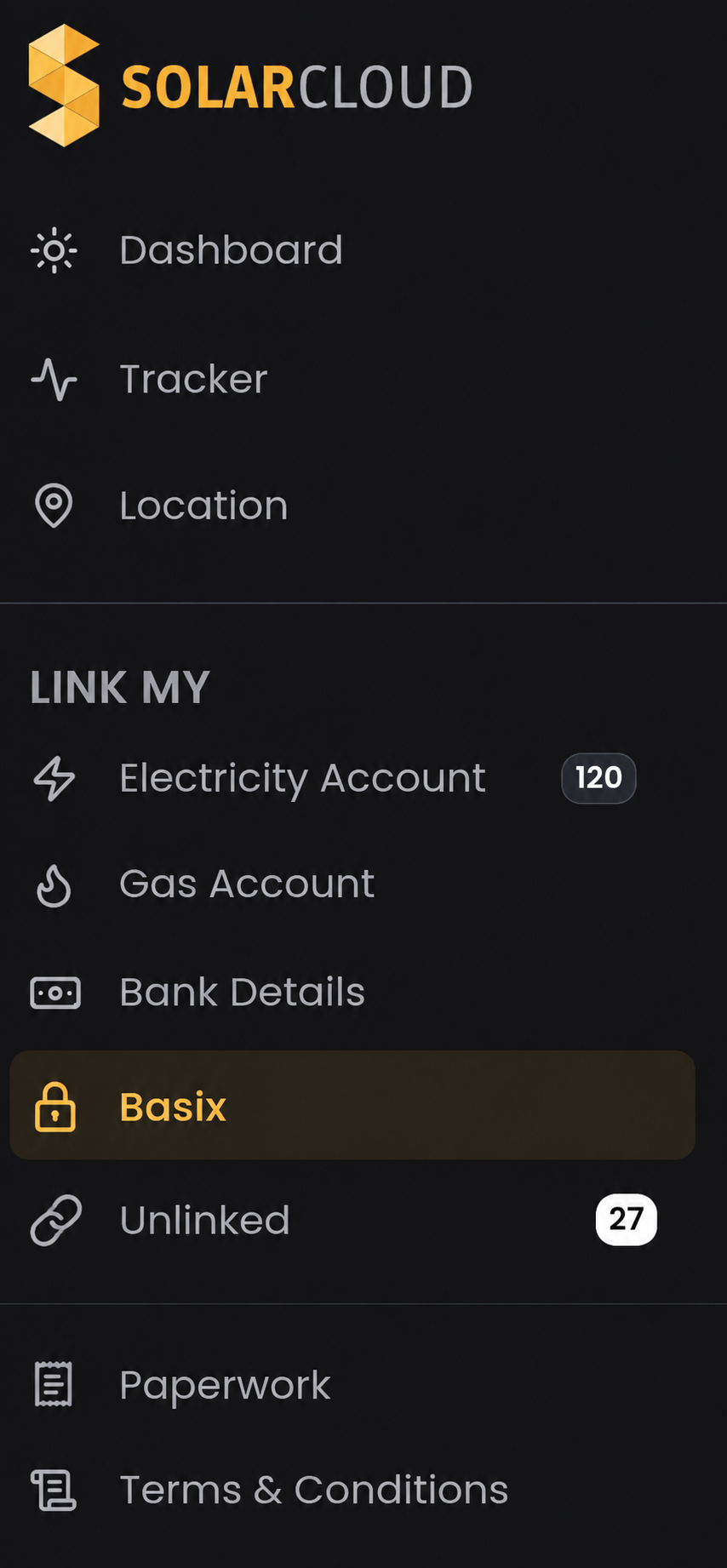
For example, if your certifier determines that you require 12.3 kW of solar to meet your BASIX requirements, you can allocate 12.3 kW — equivalent to 123 x 100W SolarCloud units — through the BASIX section of your SolarCloud dashboard.
Enter the property details, including the relevant street address and Lot/DP or Lot/SP, select the required SolarCloud capacity and press Confirm.
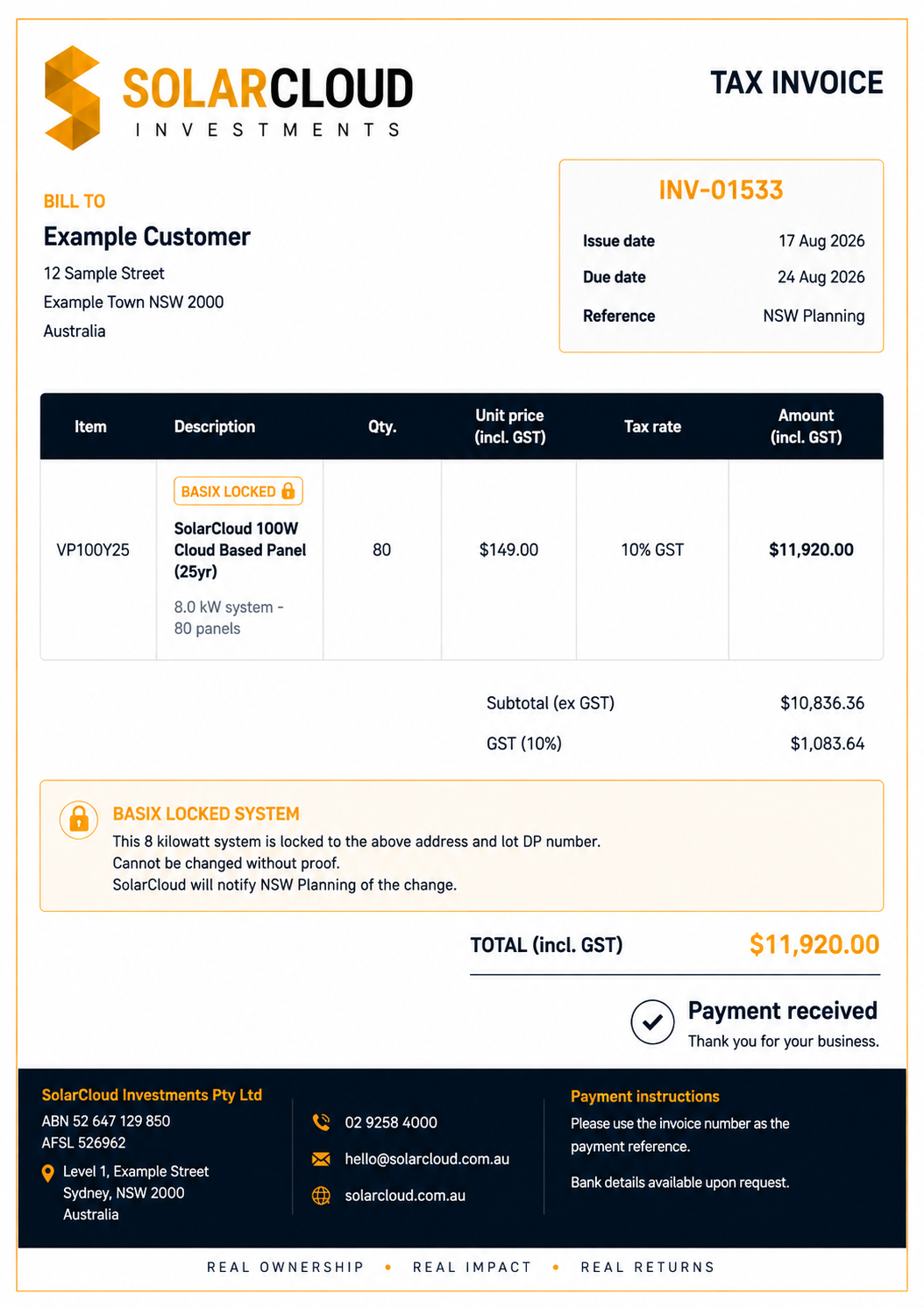
Once confirmed, that 12.3 kW is locked in the SolarCloud platform to the nominated BASIX property. 🔒
This creates a clear record of the SolarCloud capacity allocated specifically to that development.
Your BASIX allocation stays with the property
Think of your BASIX allocation as a protected allocation within your SolarCloud account. The allocated SolarCloud capacity remains associated with the property identified by its address and Lot/DP or Lot/SP, helping maintain the solar commitment nominated for that development.
Your SolarCloud dashboard will clearly identify these panels under: 🔒 BASIX. This makes it easy to distinguish the SolarCloud capacity allocated to the property from any additional SolarCloud you own for your normal electricity account.
To protect the integrity of your BASIX allocation, you will not be able to simply change the linked property, energy account or ownership details for those allocated panels through your dashboard. If something legitimately needs to change, simply contact SolarCloud. We'll ask for appropriate supporting documentation to confirm that the change remains consistent with the property and its BASIX requirements.
How it works
- 1
Your certifier determines your solar requirement
For example: 12.3 kW
- 2
Allocate your SolarCloud to the property
Enter the property's address and Lot/DP or Lot/SP and allocate 12.3 kW / 123 SolarCloud panels.
- 3
Purchase your SolarCloud solar
Purchase the required capacity and receive your proof of purchase.
- 4
🔒 Confirm & Lock
Your BASIX allocation is recorded and locked within SolarCloud against that property.
- 5
Complete the BASIX alternative approval process
Your builder or certifier uses the supporting SolarCloud documentation for the BASIX alternative approval process.
Proof of purchase for your BASIX compliance
When you purchase SolarCloud panels for your BASIX requirements, you will receive proof of purchase, just as you would receive documentation confirming the purchase of an on-roof solar system.
This documentation can be provided to your builder, certifier or other relevant professional as supporting evidence for your NSW planning and BASIX requirements.
Because SolarCloud remote panels are a new alternative to traditional on-roof solar, SolarCloud is not currently available as a standard selection in the BASIX dropdown options.
Your builder or certifier can instead use the BASIX alternative approval process to nominate the SolarCloud solution.
SolarCloud has written approval confirming the acceptance of SolarCloud cloud-based panels for NSW planning/BASIX purposes. We can provide the relevant supporting documentation required to assist your builder or certifier with the alternative approval process.
Want more SolarCloud than your BASIX requirement?
No problem. Purchase additional SolarCloud and allocate it to your normal electricity account. Only the capacity you nominate for BASIX is locked to the property.
 NSW Planning
 Clean Energy Council
 Smart Energy Council