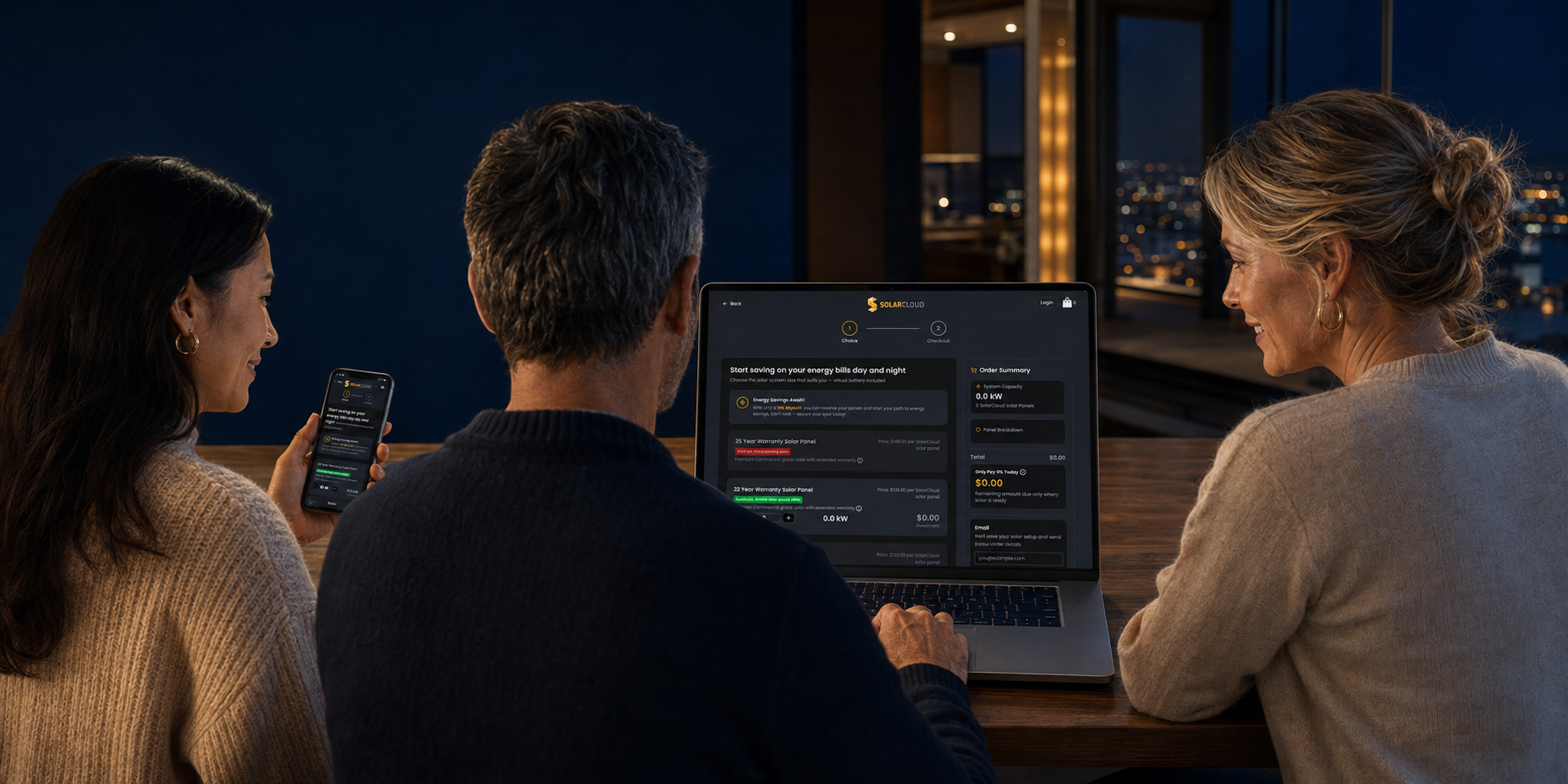
How to buy
Owning SolarCloud solar is simple. It only takes a few minutes. Here is how it works.
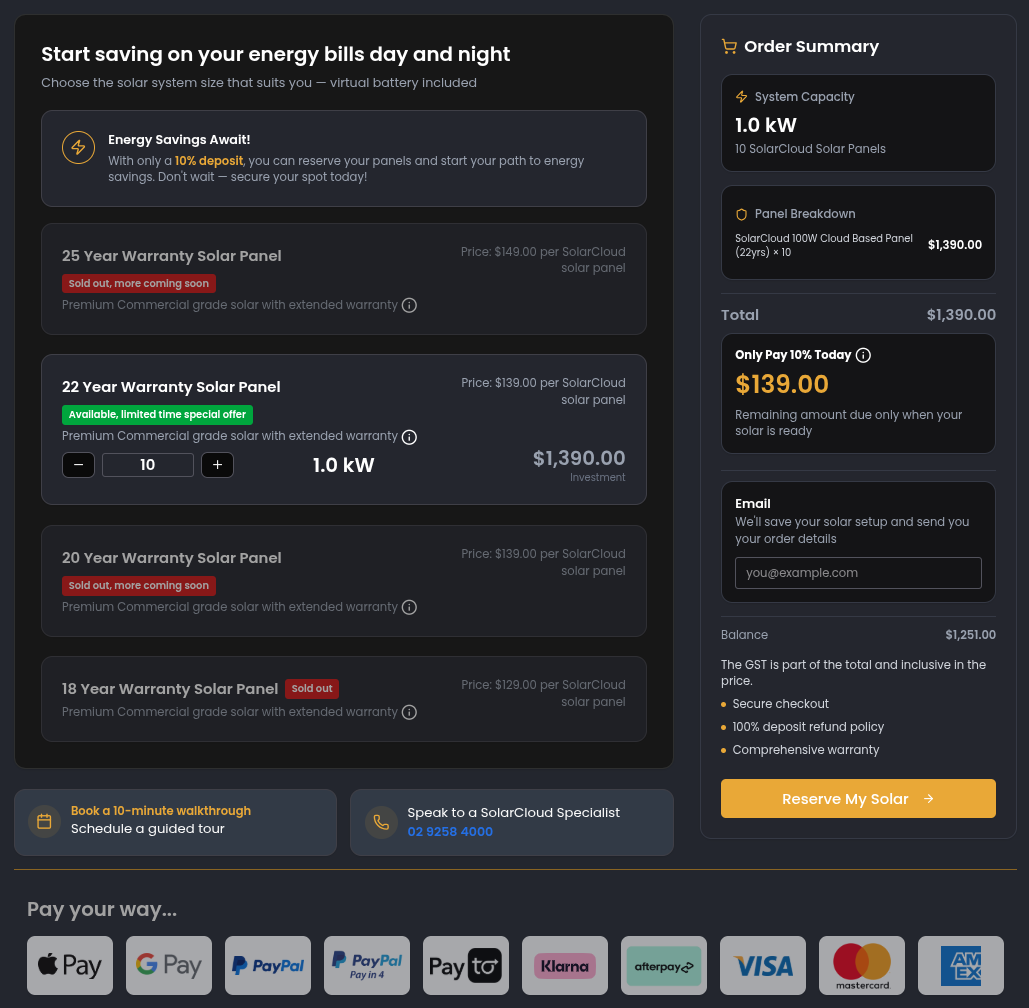
Click any ‘Buy’ button
Select your solar
Input a number, or use the minus or plus buttons.
Please note, you only pay a 10% deposit.
The balance will be debited once your solar is available.
Click ‘Reserve My Solar’.
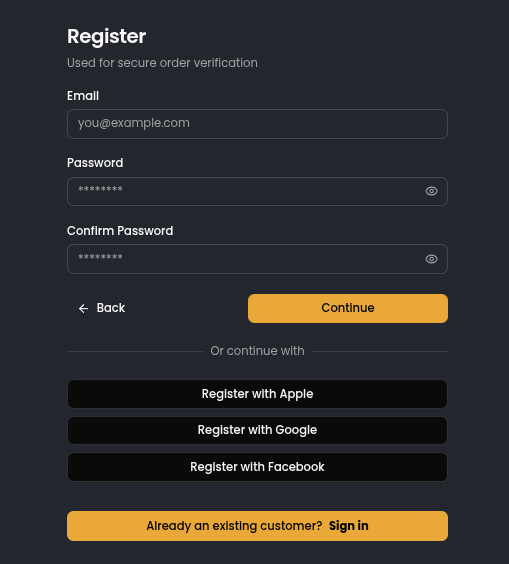
Your details
a. Input your email address and choose a password, or use Apple, Google or Facebook to sign up.
b.Verify your email
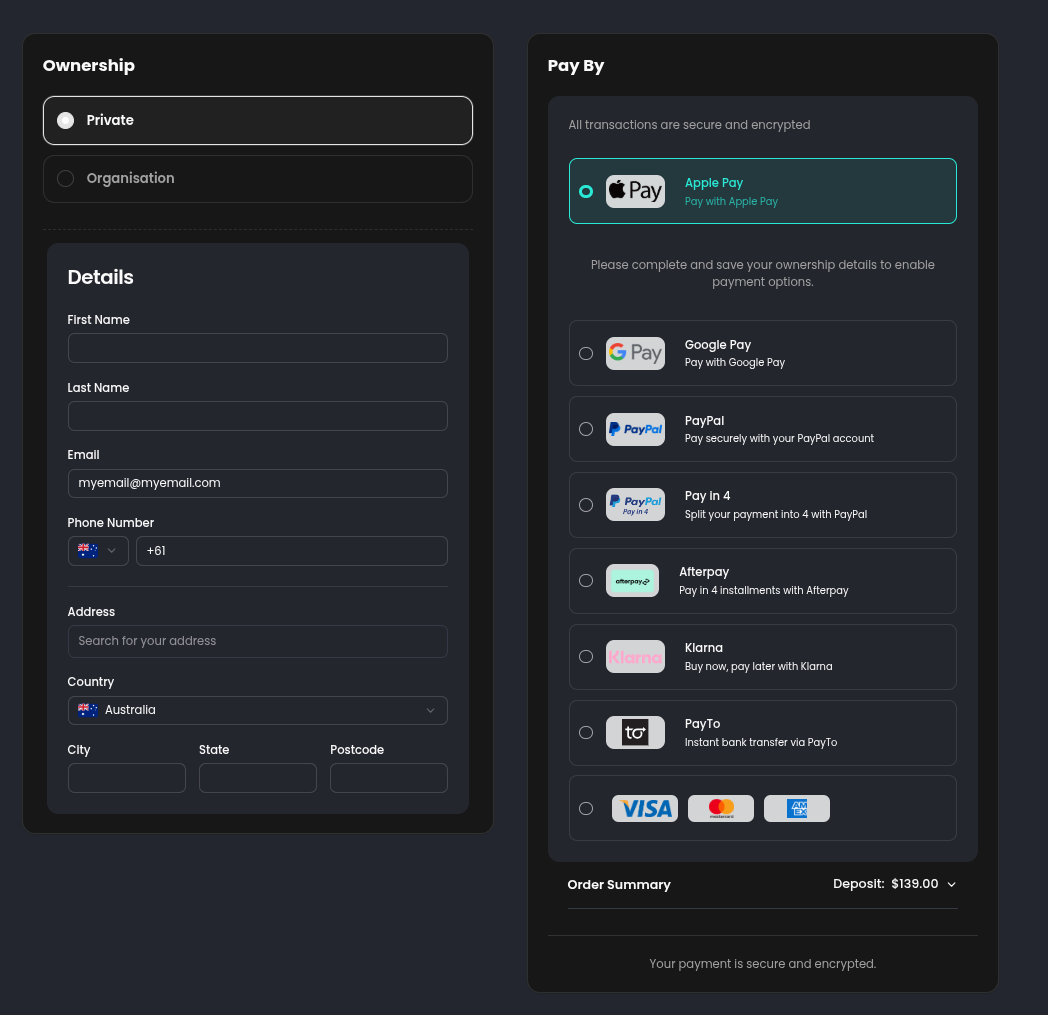
Enter the owners details
Enter the owners details and chose the payment method that works for you
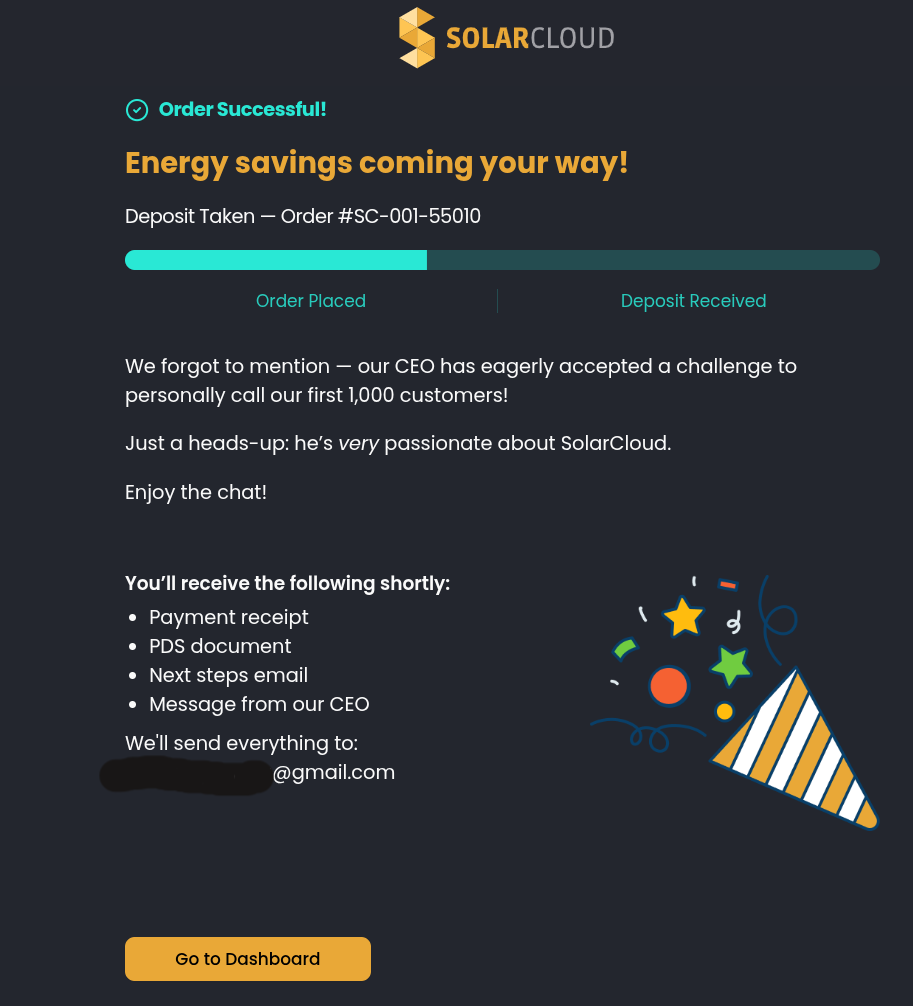
Order successful
You will be emailed a receipt, PDS, followed by instructions on how to ‘Link’ your energy account. Click 'Go to Dashboard'.
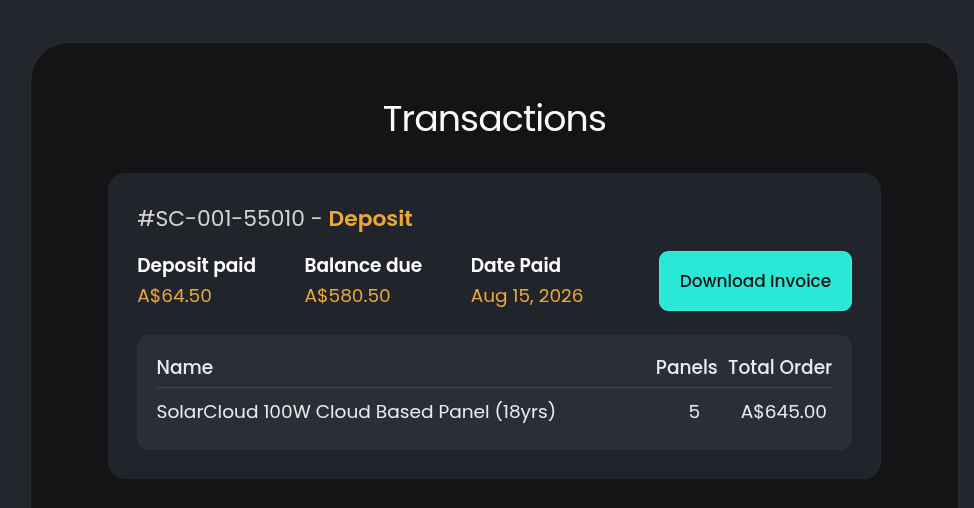
Dashboard
Here you will be able to track all activity on your SolarCloud account.
See all your credits to your energy accounts.
Link new or change the account your solar is linked to.
A copy of your receipt is also available here.
Please ensure you tick all the boxes in the Terms & Conditions tab so we can legally transfer your cash to your energy accounts.
Buy more
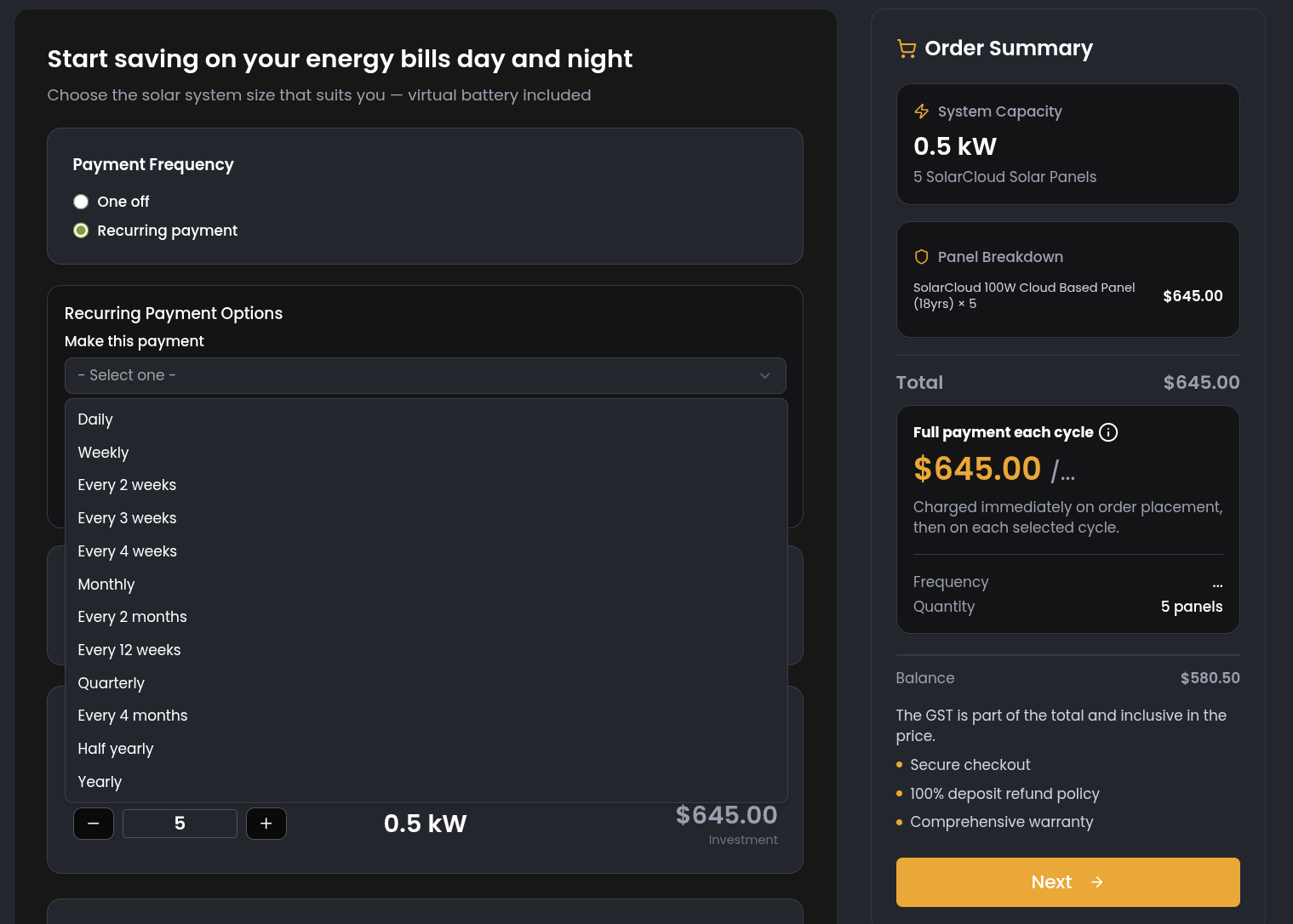
Here you will be able to buy more SolarCloud solar as a one off purchase or setup a recurring purchase of your desired amount and frequency.